Download Nagad88 App (APK) For Android and iOS (PWA) 2026
The Nagad88 app lets you enjoy sports betting and casino games right from your smartphone with ease. Explore hundreds of sports events to bet on and a vast variety of casino games. Plus, with an extensive bonus program, you can regularly receive extra cash, free bets, and free spins as rewards!
Download Nagad88 App and get 100% Welcome Bonus up to 20,000 BDT
Main Information About Nagad88 App
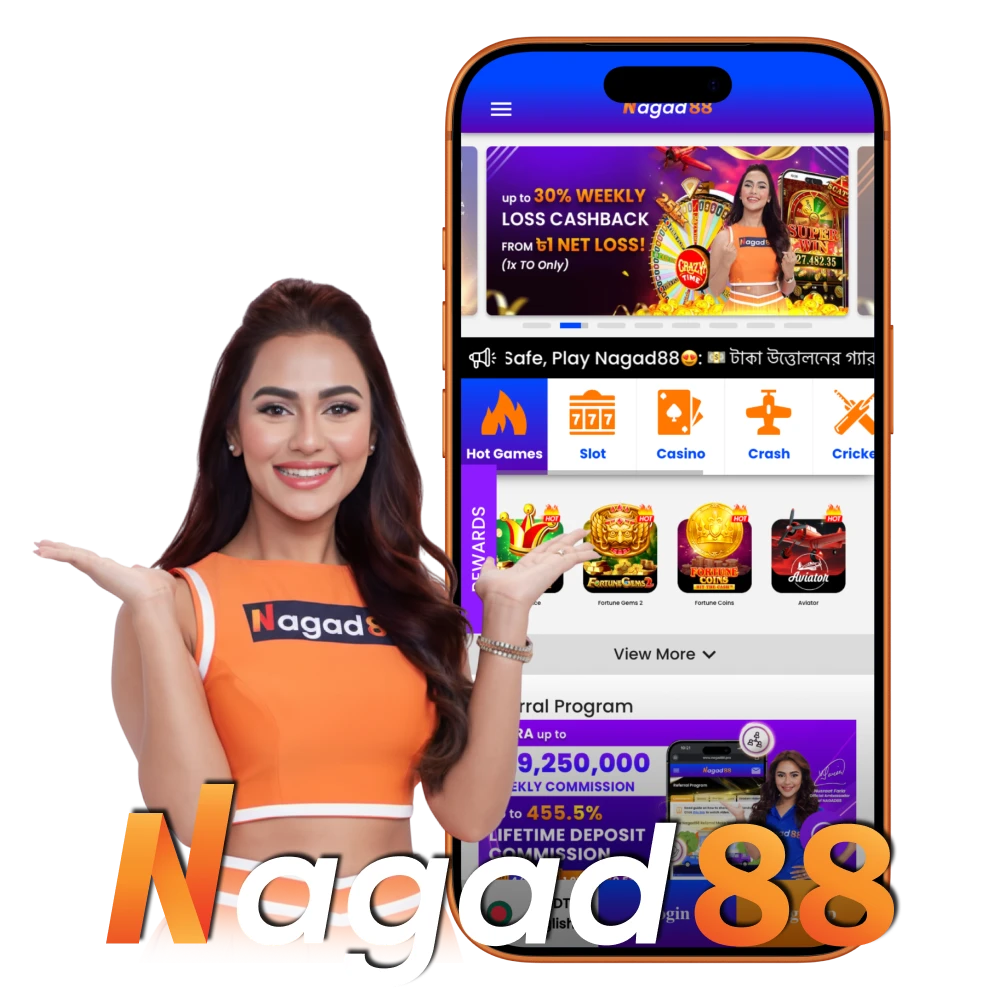
Nagad88 offers a compact mobile app with free download that provides convenient access to online sports betting and a variety of slots, instant games and live casino options. The Nagad88 app is presented for Bangladeshi users in the latest version, supports Bengali and English, is easy to operate and secure for financial transactions on iOS and Android devices.
| Parameter | Figures |
|---|---|
| License | Curacao |
| Supported OS | Android, iOS |
| Latest Version of the App | 1.0 |
| Release Date | September 2023 |
| Cost of Downloads | Free |
| Downloads | 236843 |
| App Languages | English, Bengali |
| Supported Countries | Bangladesh |
| Welcome Bonus for Sports | 100% up to 10,000 BDT |
| Welcome Bonus for Casino | 100% up to 20,000 BDT |
| Bet Types | Single, Express, System |
| Support Service | Available 24/7 |
| Customer Support | Live chat, Email, Telegram |
Interface of Nagad88 App
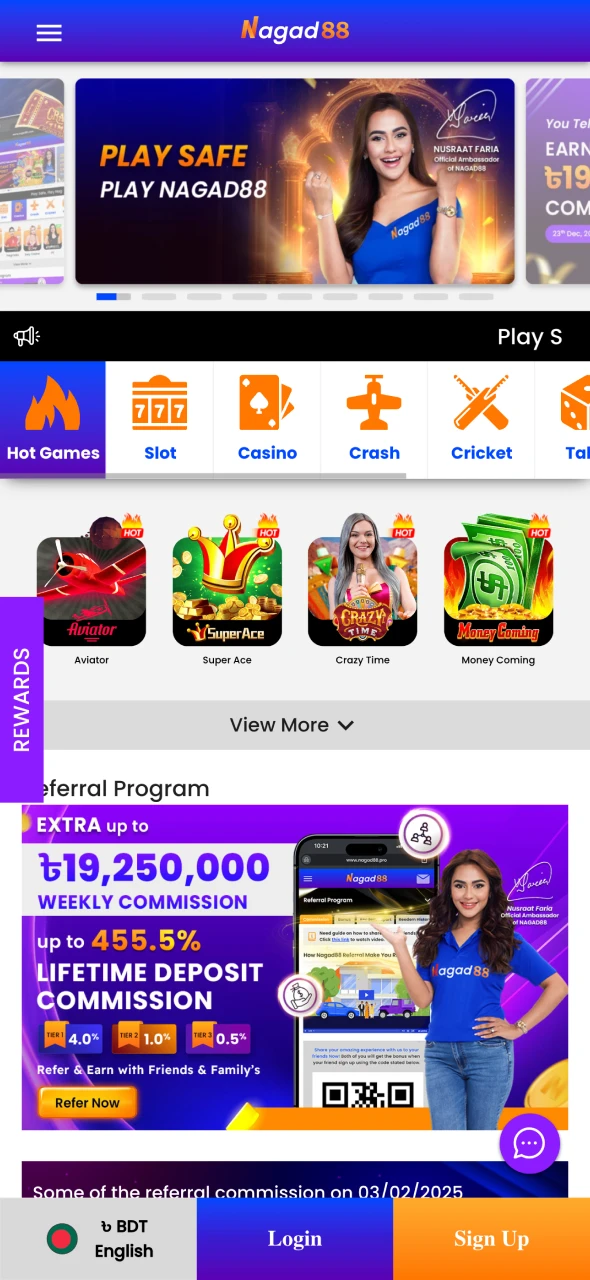
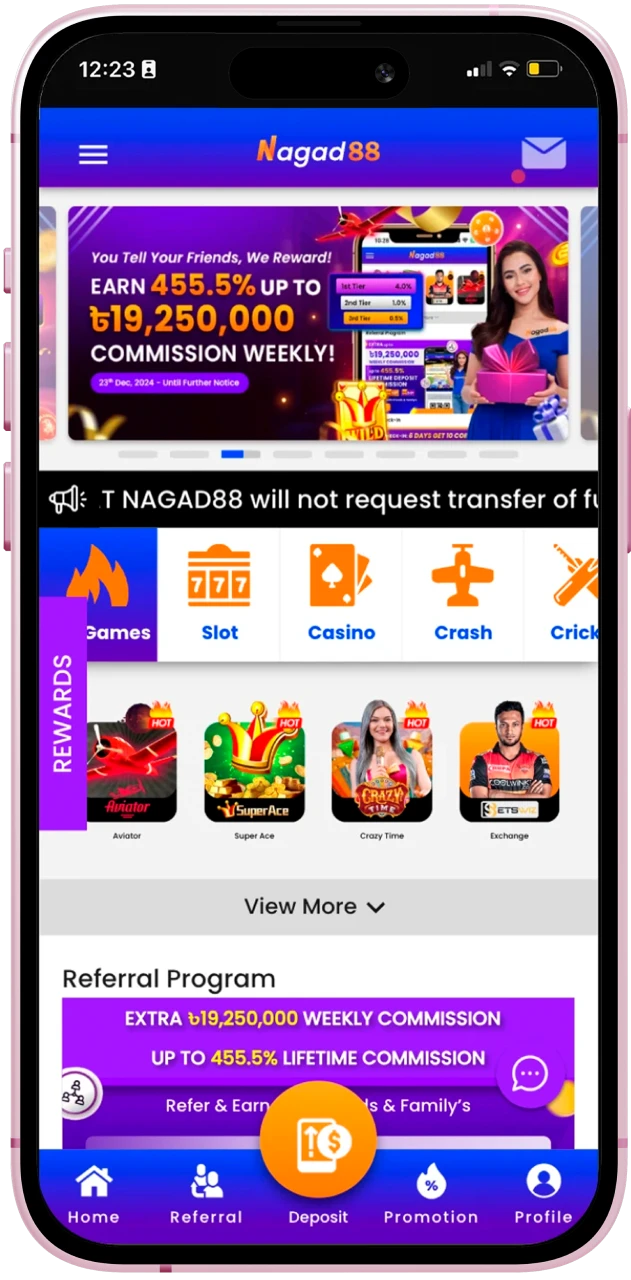
The app has the same features as our website, with a user-friendly interface that automatically adapts to the parameters of your smartphone. Its intuitive navigation and fast loading time make it a great choice for users who prefer to bet on the go.
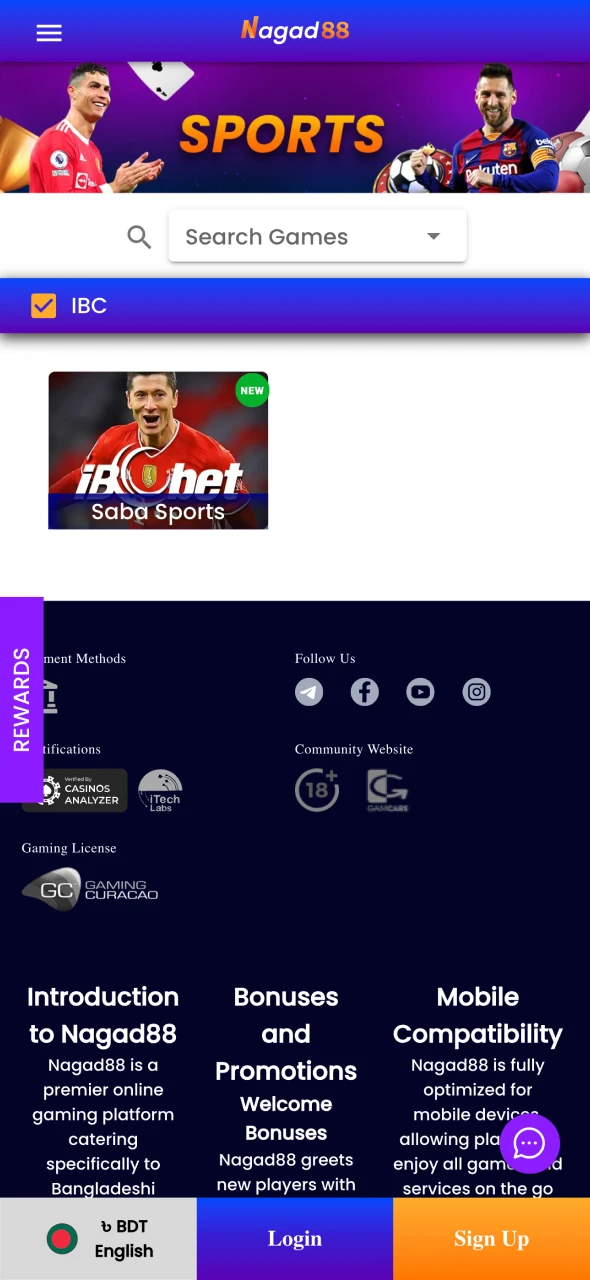
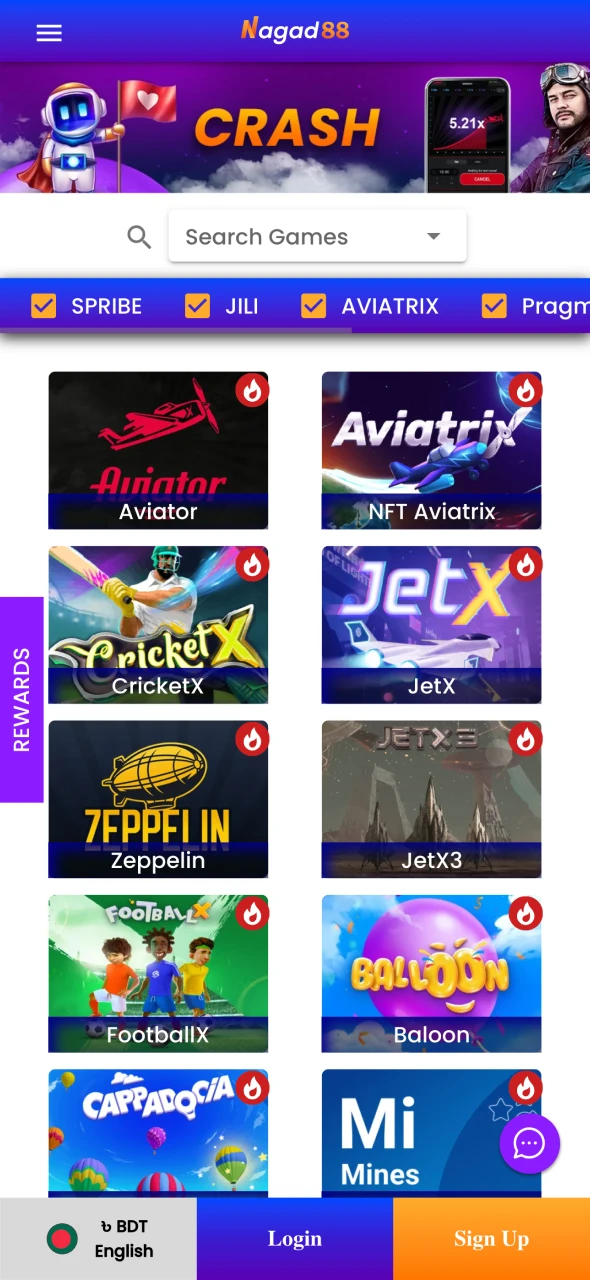
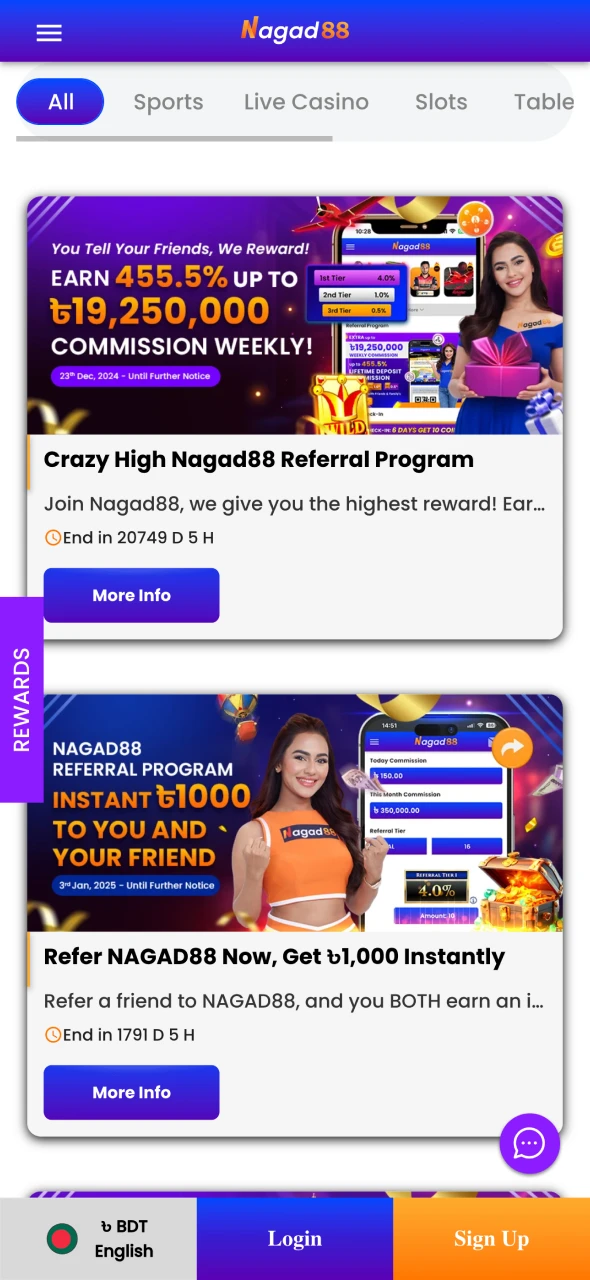
Download Nagad88 Apk for Android in 4 Steps
It only takes you a few minutes to download the apk to your device. All you need to do is follow the instructions in four simple steps.
Step 1: Download Nagad88 Apk
Click the button to download Apk file. If necessary, confirm the download. Make sure that it has started.
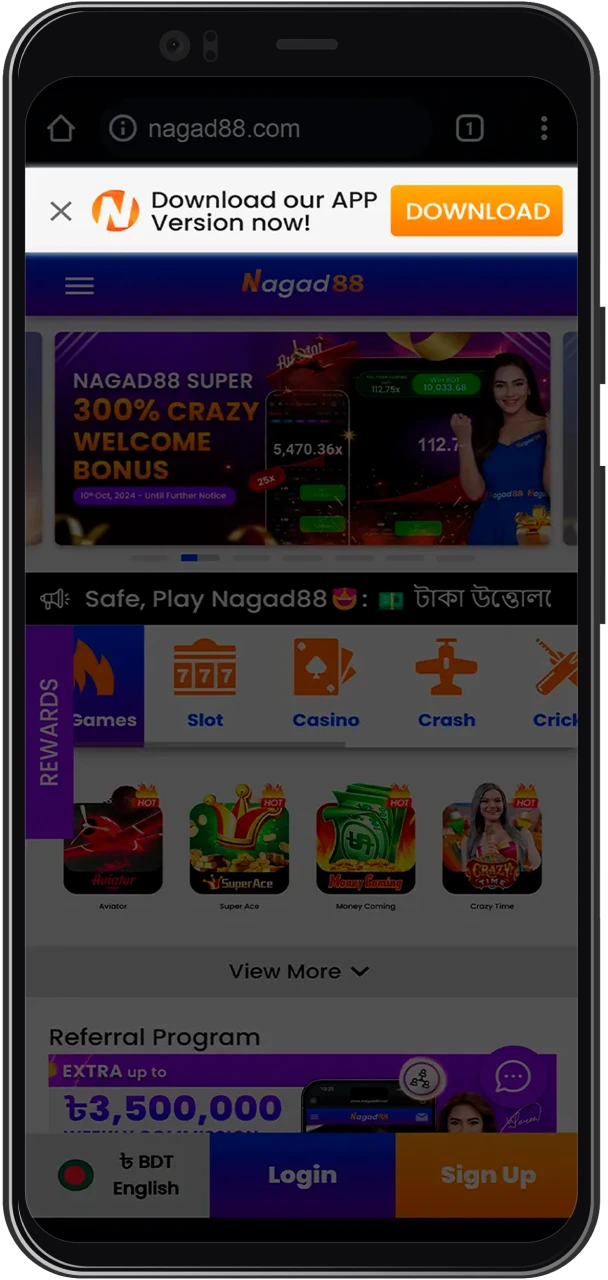
Step 2: Go to the settings of your device
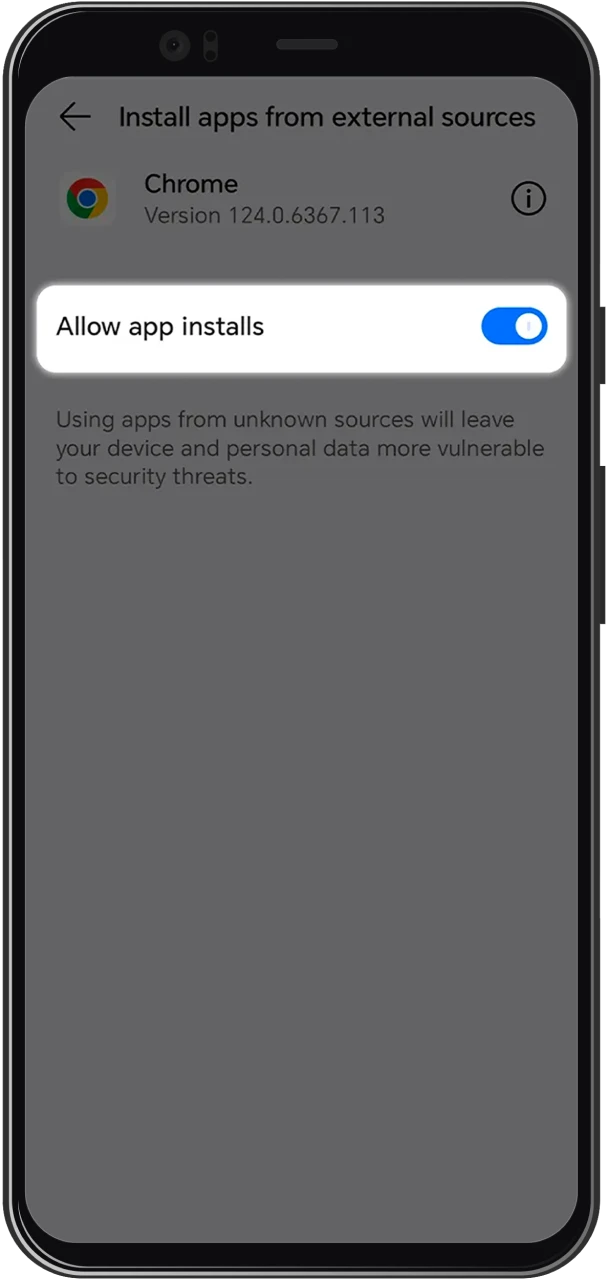
Open the settings on your smartphone and in the security section, find the option to allow apps from unknown sources. Enable this option.
Step 3: Complete the download process
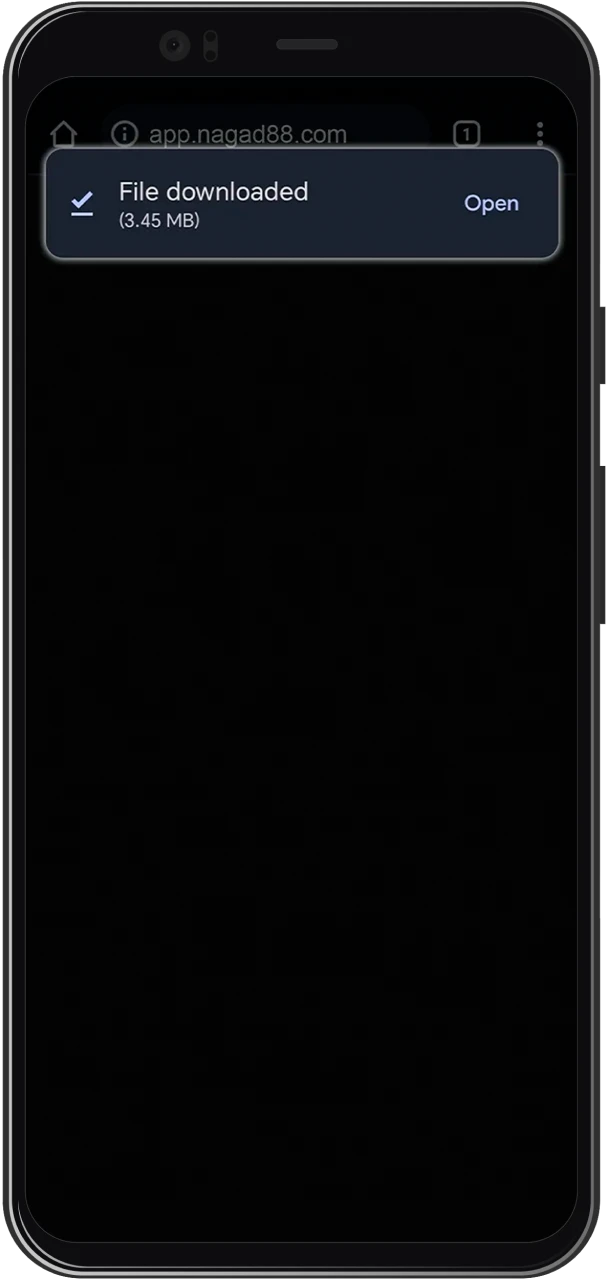
Wait a few minutes for the app download to complete. Until this happens, do not turn off your smartphone.
Step 4: Confirm the file installation
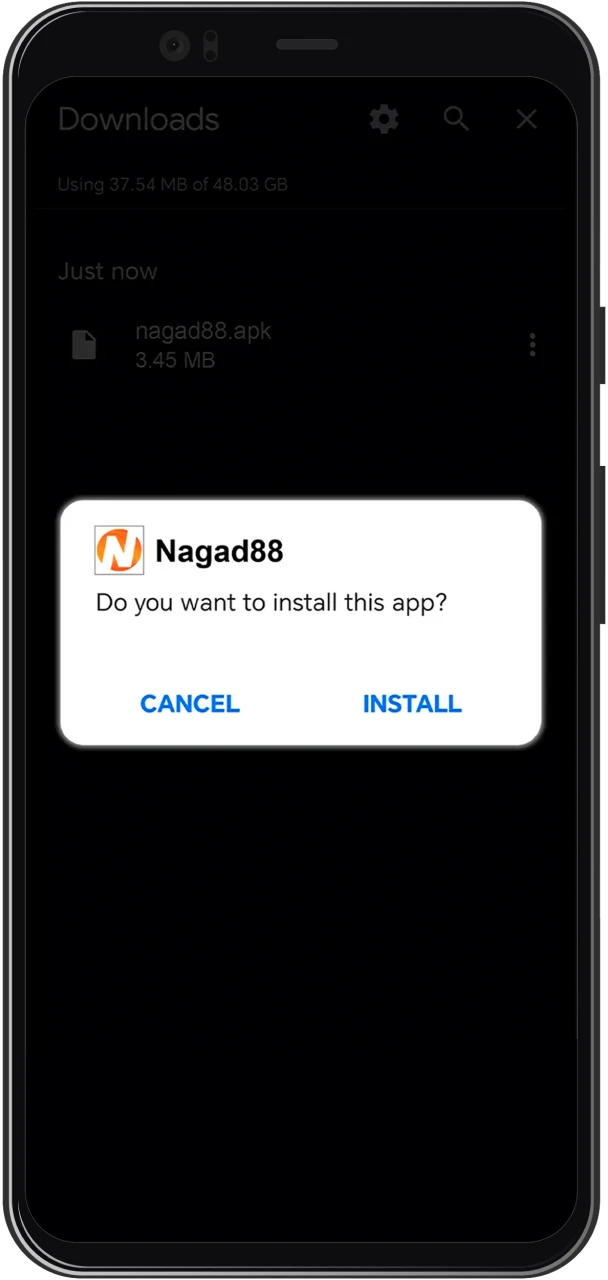
Open the apk file and confirm the installation. It will take no more than a minute. After that, a shortcut to run the application will appear in the list of installed programs.
System Requirements for Nagad88 Apk Version
Before installing the Nagad88 app for Android, check whether your device meets the minimum system requirements for its comfortable operation.
| Parameter | Requirement |
|---|---|
| Android version | 8.1 |
| RAM | 1 Gb |
| Free memory space | 50 Mb |
If you don’t have a powerful and modern smartphone, don’t feel bad. You will still be able to place bets and play casino games through the web version in your browser.
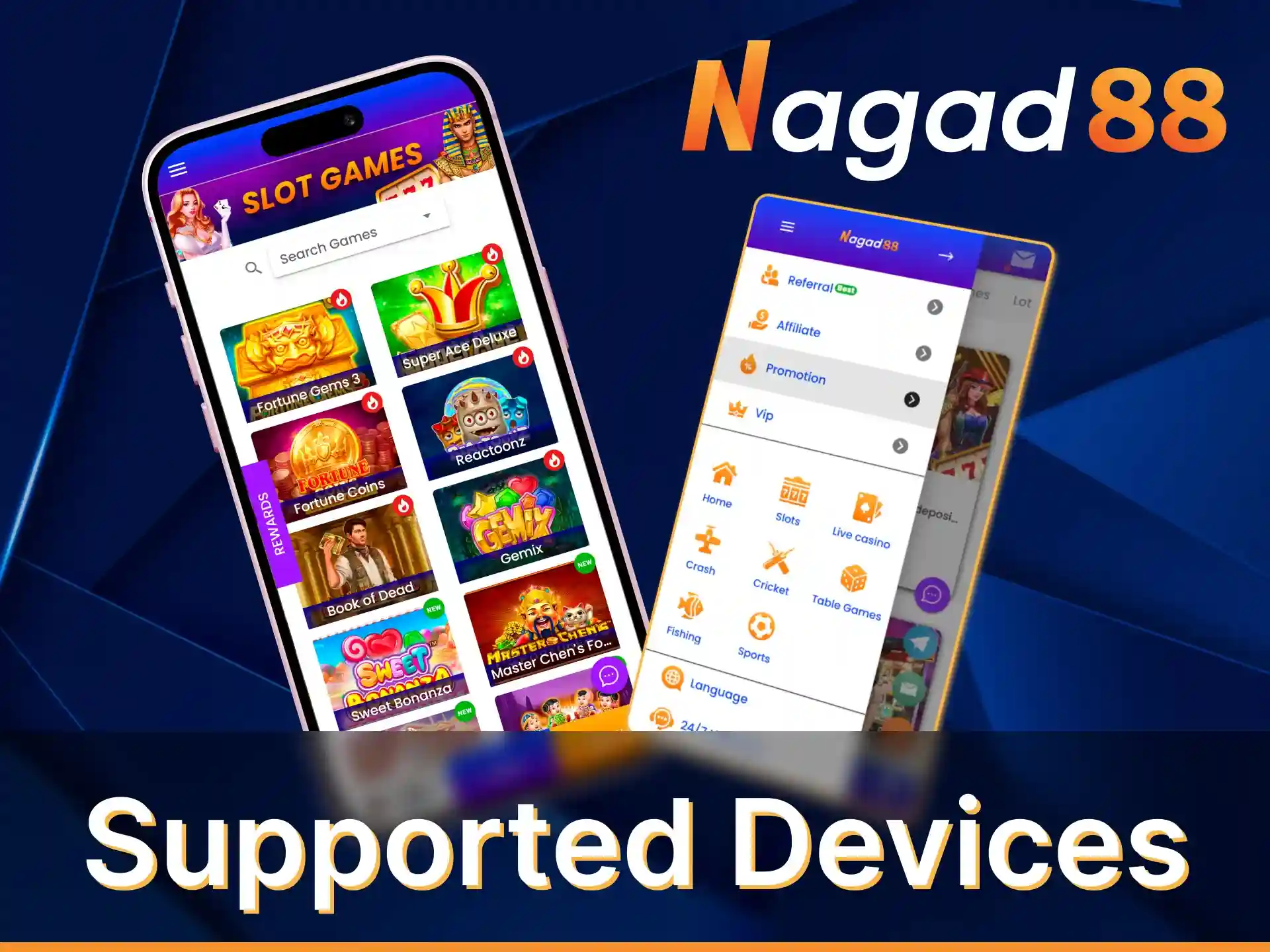
Supported Devices for Nagad88 Android App
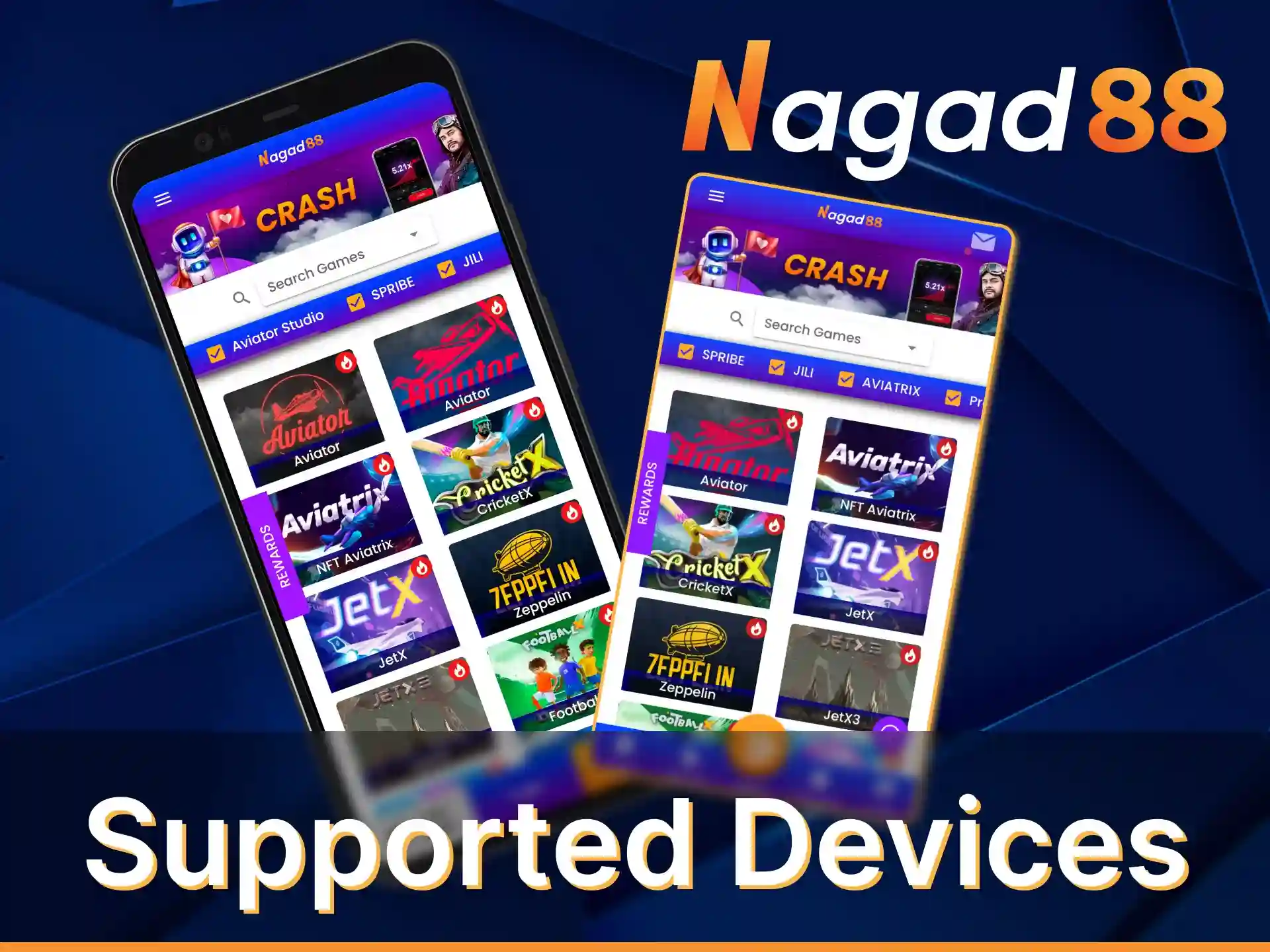
The app for Android has been successfully tested on dozens of device models. Among them were such popular smartphones:
- Google Pixel 6a;
- Samsung Galaxy A23;
- OnePlus Nord N20;
- Moto G Stylus;
- TCL 20S;
- Xiaomi Redmi Note 11 Pro;
- Motorola One 5G Ace;
- Sony Xperia 10 III.
On these and even less powerful smartphones the application will work correctly, without bugs and freezes.
Download Nagad88 App for iOS(PWA) in 5 Steps
To start betting on your iOS mobile phone, you will only need to follow three simple steps. To do so, follow the instructions below:
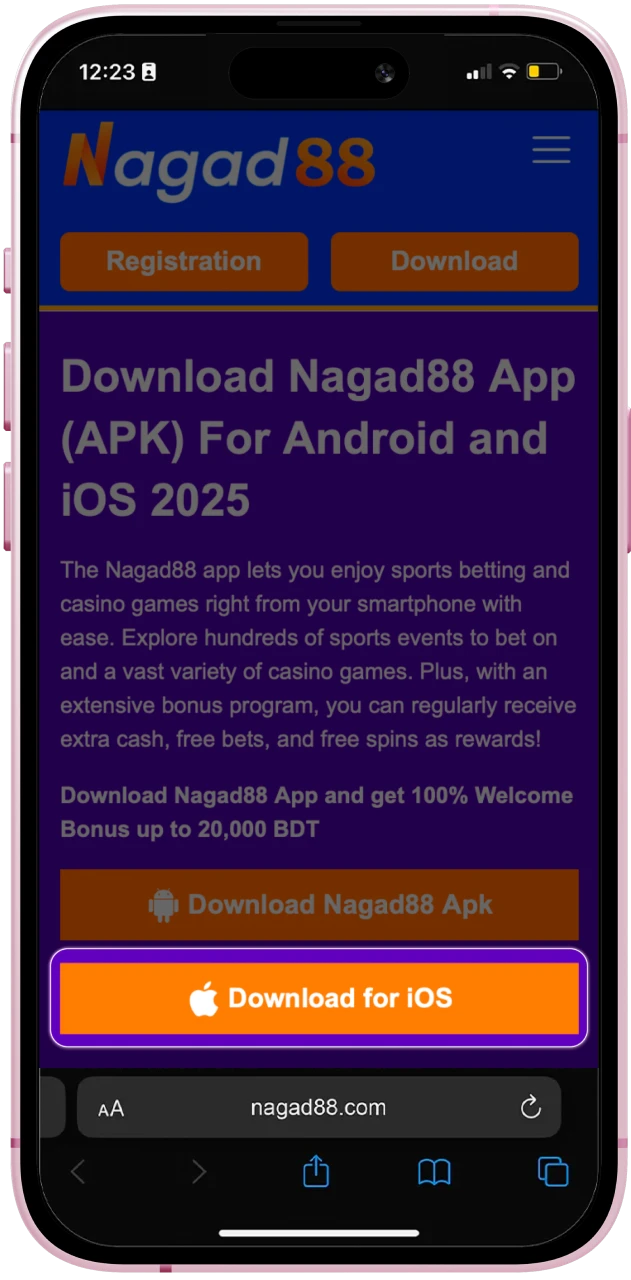
Step 1: Click Download for iOS
Navigate to the website and tap the “Download for iOS” button to initiate the download process.
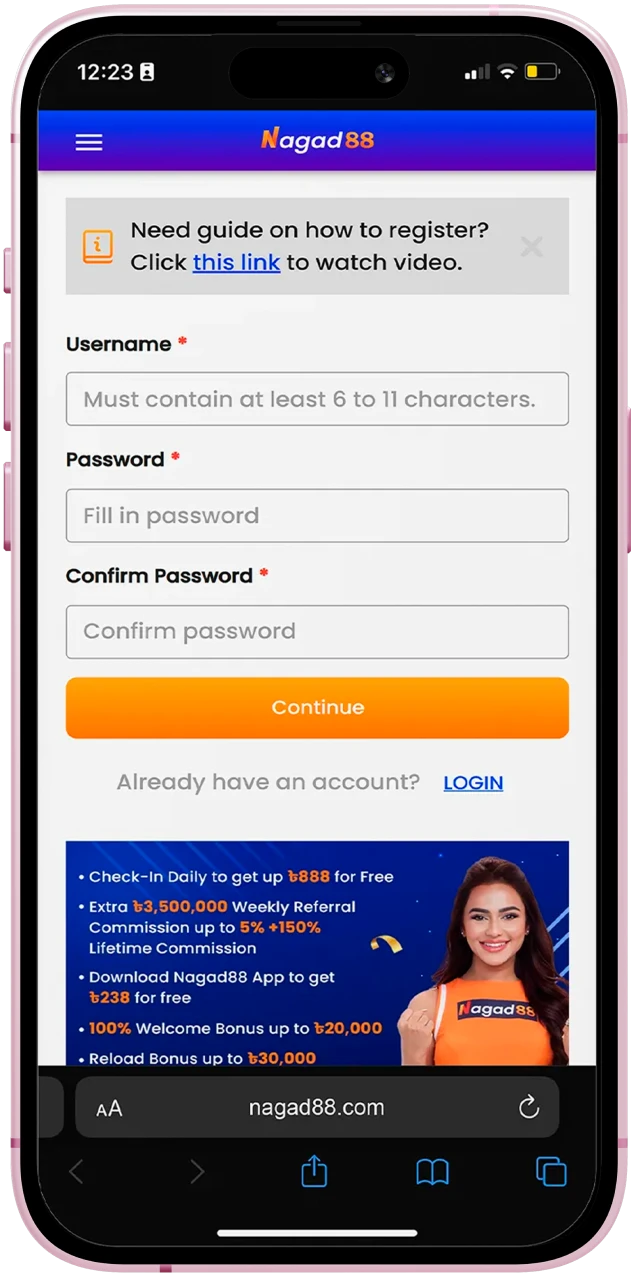
Step 2: Login or Sign Up
Log in to your existing account, or sign up if you’re a new user.
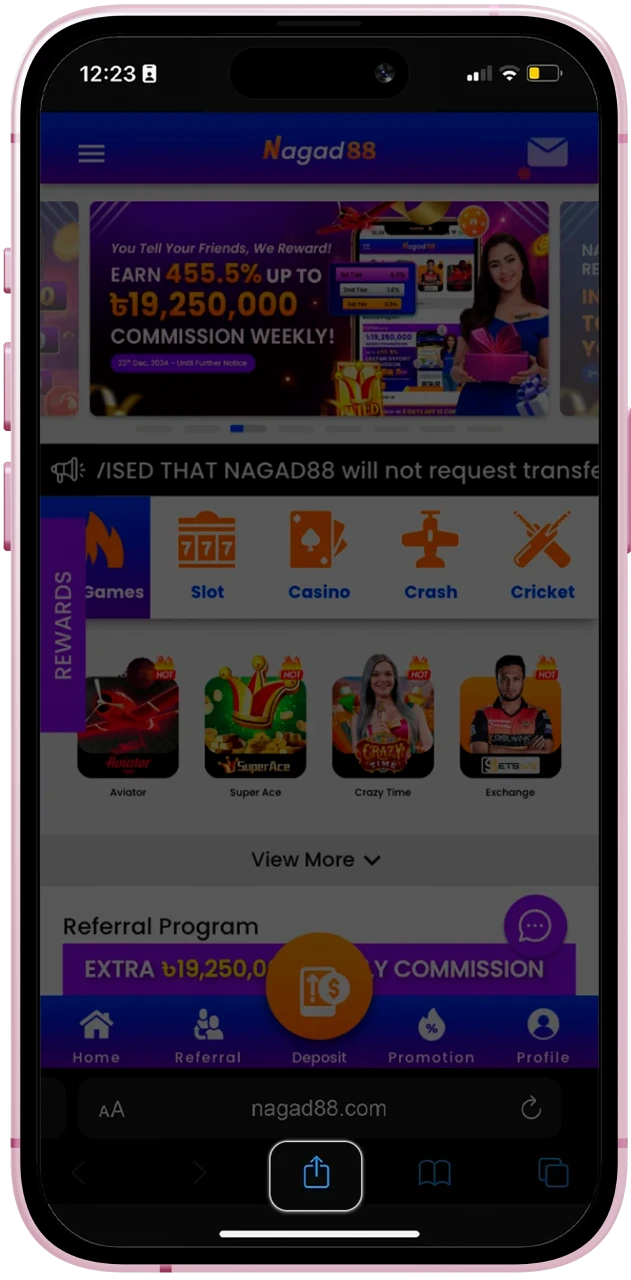
Step 3: Click “Share”
In Safari, tap the Share icon (a square with an upward arrow) at the bottom of the screen.
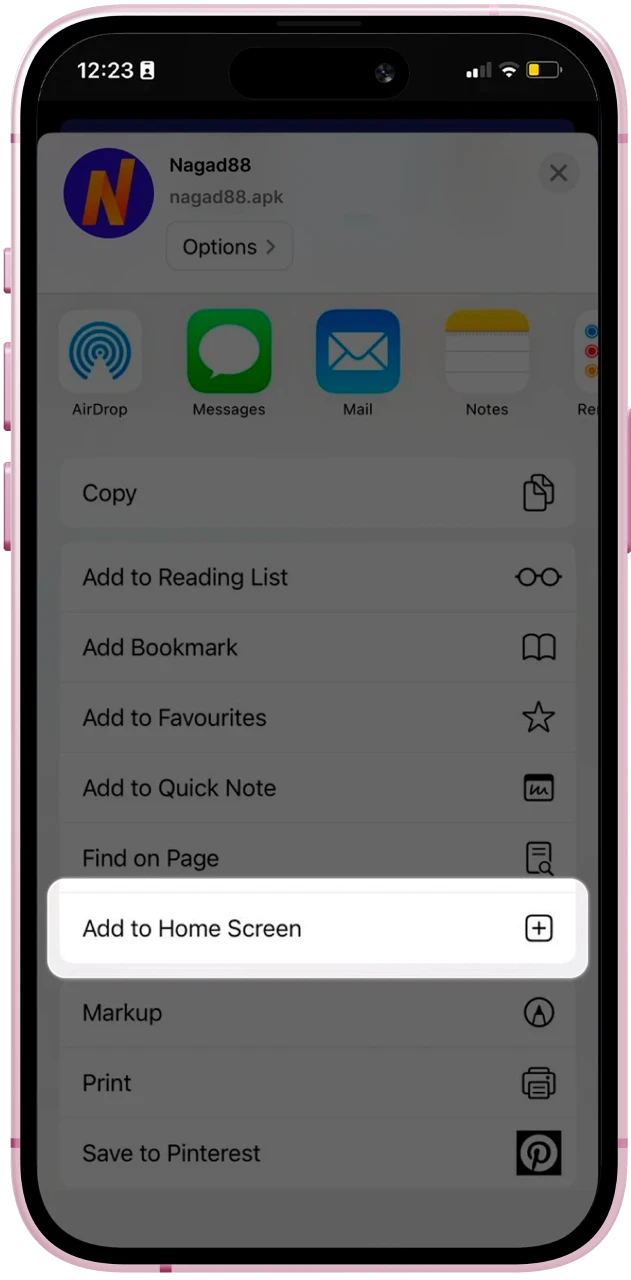
Step 4: Select “Add to Home Screen”
Scroll down and tap “Add to Home Screen,” then tap “Add” to confirm.
Step 5: Begin Exploring
After logging in, you can access and enjoy Nagad88 directly from the app icon on your home screen.
System Requirements for iOS App
Thanks to good optimization, the minimum system requirements for iOS devices are low. Not much is required from your smartphone for the application to work stably.
| Parameter | Requirement |
|---|---|
| iOS version | 9.0 |
| RAM | 1 Gb |
| Free memory space | 50 Mb |
An alternative to the Nagad88 app for iOS is the web version. If your smartphone does not meet the minimum system requirements, you can play through the browser.
Supported iOS App Devices
The Nagad88 app for iOS was tested on more than 10 popular iPhone and iPad models:
- iPhone 11;
- iPhone 12;
- iPhone 13;
- iPhone 14;
- iPhone 15;
- iPhone 16;
- iPhone 17;
- iPad 7;
- iPad 8;
- iPad 9;
- iPad 10;
- iPad Air;
- iPad Pro.
On all of these devices, the software works consistently and without freezes. Even if you have an older model, you can still install the software on it.
How to Install Nagad88 App?
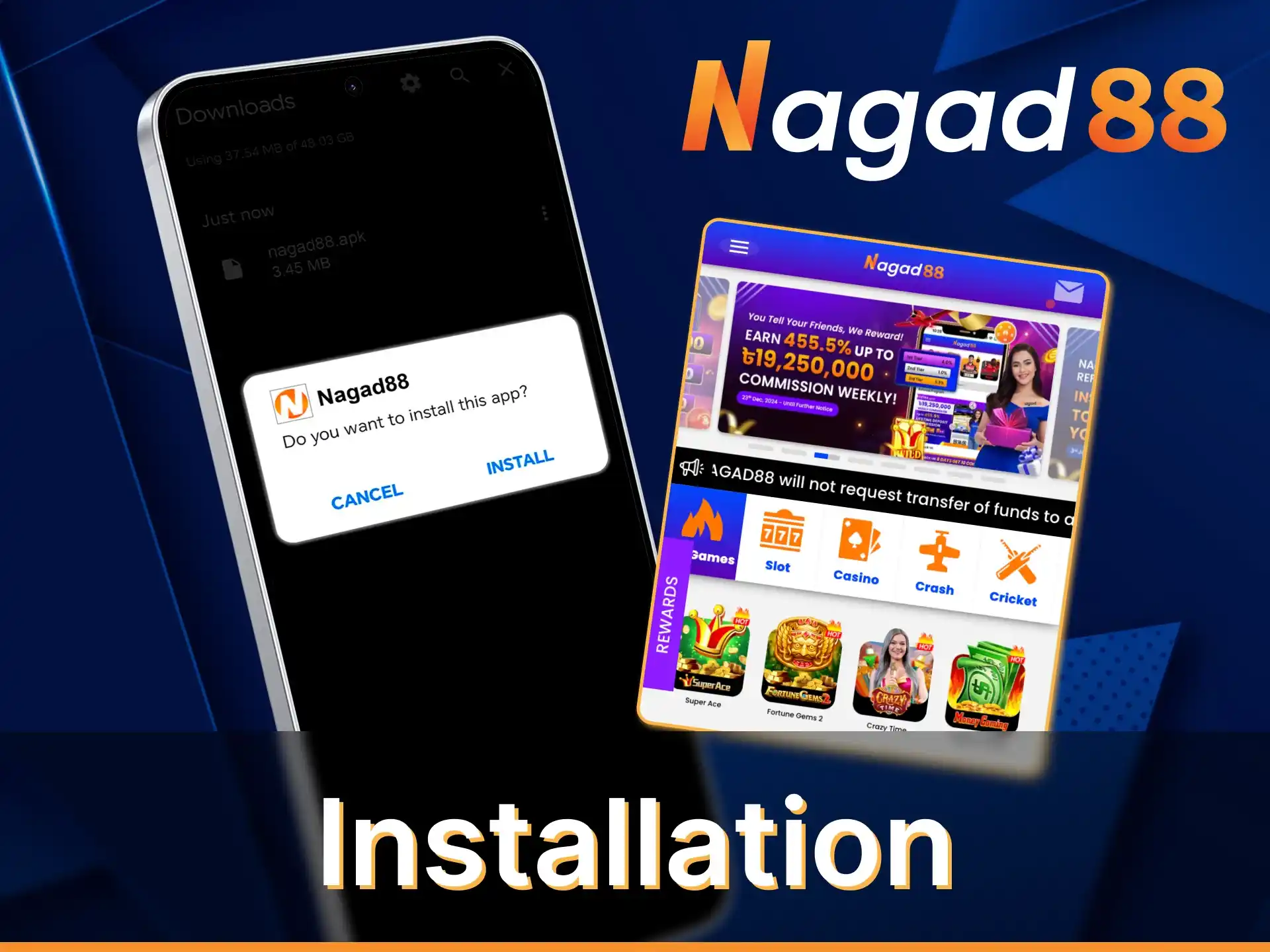
The instructions for installing the Nagad88 app include the same steps. First, you need to download the software from the official website, then wait until its download is completed. After that, you need to allow the installation of applications from unknown sources in the settings of the device. Next, you only need to run the downloaded file and confirm the installation.
Nagad88 App Features
The features of the Nagad88 app provide a efficient interaction with the site’s services, offering easy access to a variety of gambling, betting and casino games. The app actively fulfills players’ requests regarding sports betting and casino, with fast deposits and timely payouts. Easy navigation makes it easy for newcomers to get up to speed and become a pro at using mobile services.
Live Betting Features
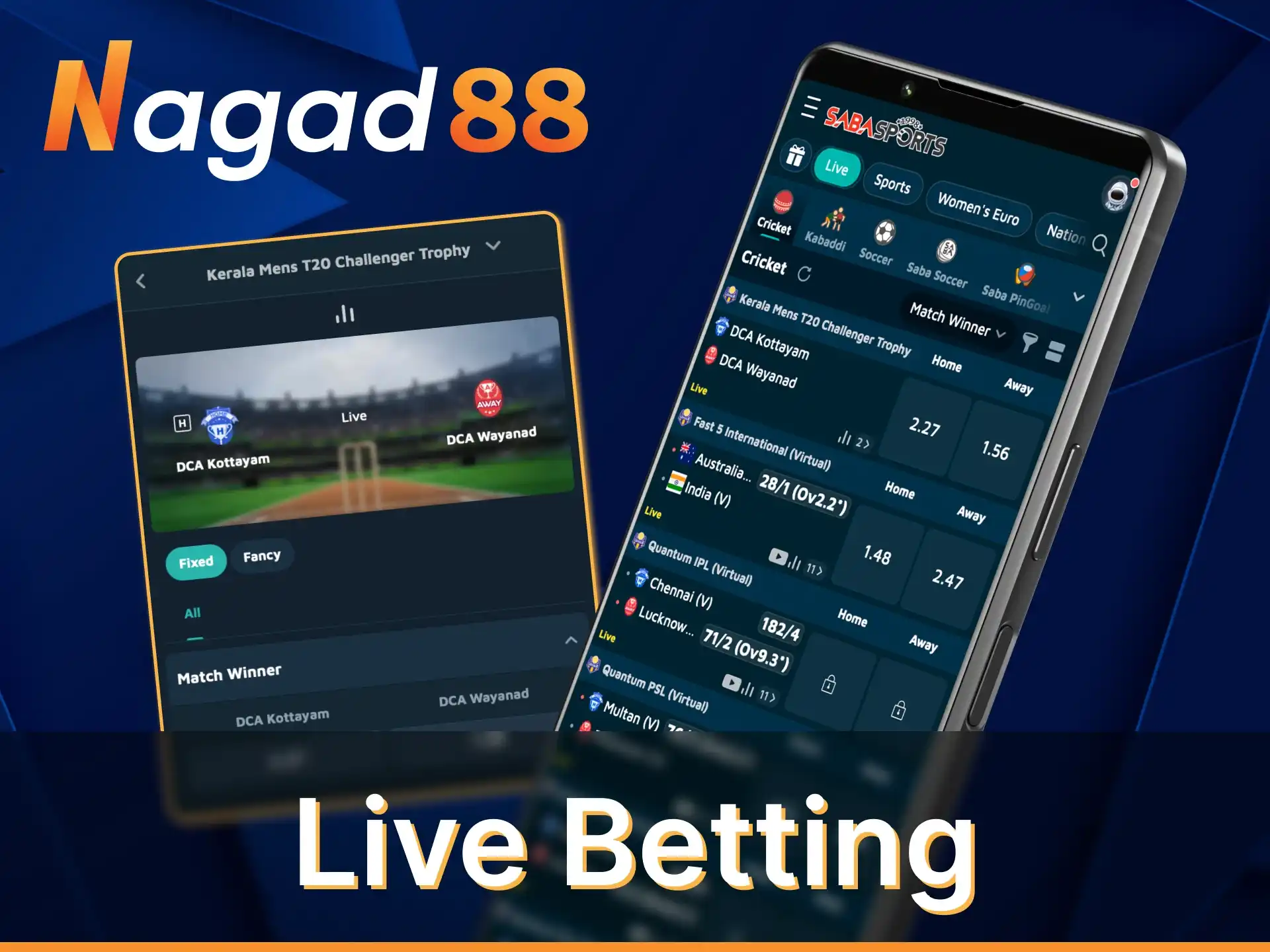
Meaningful options for sports fans that can be found in our innovative app:
- Availability. 24/7 access to all services, real-time betting, transactions with round the clock support;
- Latency. This aspect is minimal in the app, allowing users to adapt to changes on the playing field;
- Supported Sports. All sports presented on the platform are available in the mobile app, with identical odds, types of bets;
- User Interface Elements. The live streaming element is available with a number of sports disciplines; ;
- Live Streaming Availability. Application makes it quick and easy to click one button and start watching live streaming of the sports on offer;
- Betting Types. Opt to place a bet through the app, choosing from a number of different bet types on offer. The sports betting section in the app consists of match outcomes, totals, handicaps and more.
Casino Games Features
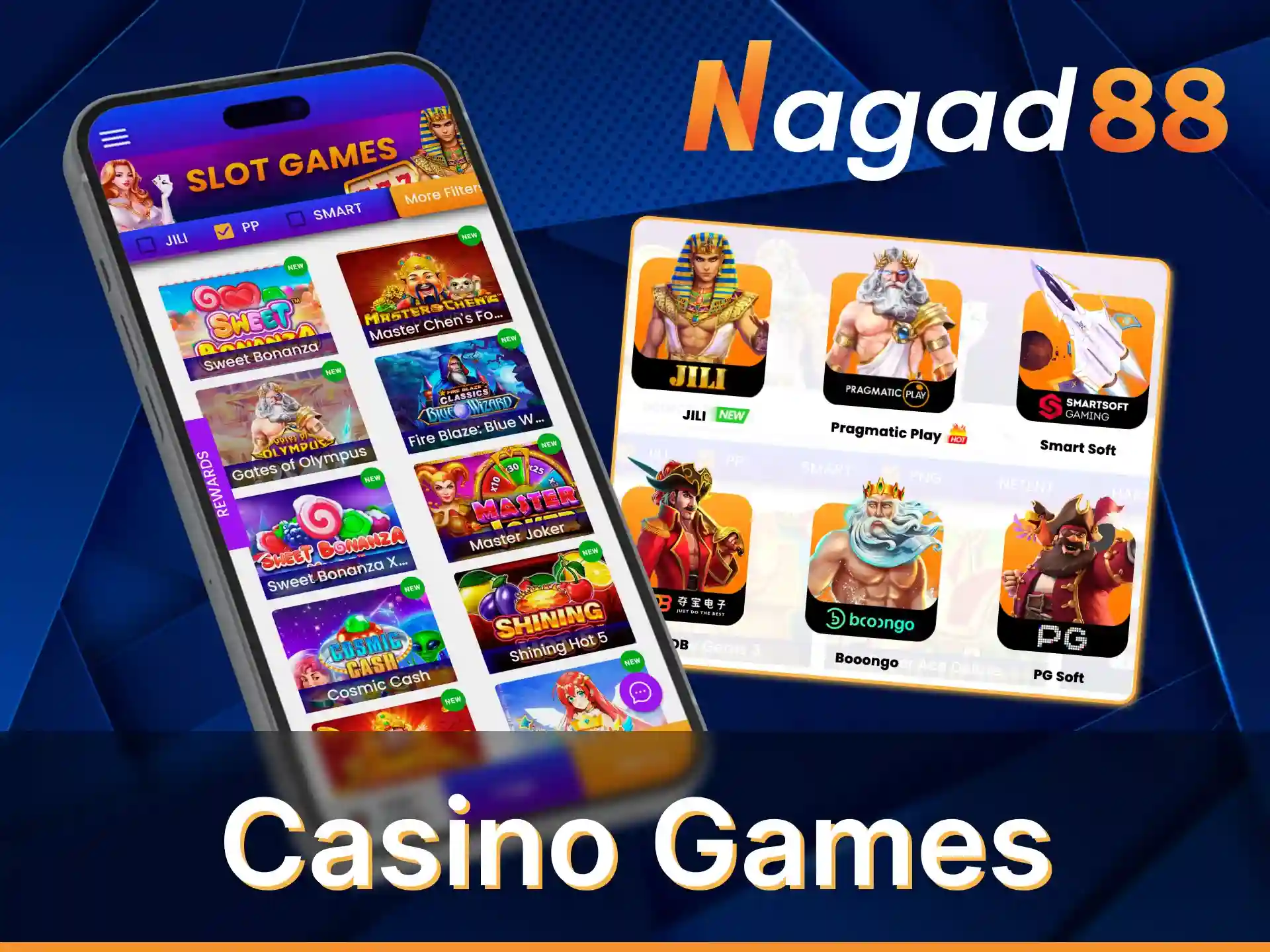
The features of the casino games app are listed below:
- Game Selection. The app offers a wide range of game options, including slots, roulette, poker and other classic games, as well as innovative new features;
- Game Loading Speed. Game loading is fast, ensuring efficient, lag-free play even when using mobile data;
- Live Casino Integration. High integration with the live casino allows access to live dealer betting;
- Game Providers Available. Cooperation with global providers guarantees high quality content;
- Graphics and Animation. Animations and graphics are kept at a high level in the app without losing quality in visual playback;
- User Interface. The interface is designed in a user-friendly way, with quick access to all games and easy navigation between categories.
Deposit Features
For deposits, the Nagad88 app offers intuitive navigation. All methods presented in the personal account are protected and legal. Each of them offers quick deposit options. Transaction type should also be selected. The waiting time for crediting money is instant, which allows you to start betting immediately.
| Available Payment Methods | Deposit Minimum | Deposit Maximum | Transaction Security | Processing Time |
|---|---|---|---|---|
| bKash | 200 BDT | 25,000.00 BDT | High | Instant |
| Rocket | 500 BDT | 25,000.00 BDT | High | Instant |
| Nagad | 200 BDT | 25,000.00 BDT | High | Instant |
| Upay | 500 BDT | 25,000.00 BDT | High | Instant |
Withdrawal Features
Funds can be withdrawn through the application by any method specified in your personal cabinet. Depending on the method there may be an external commission, in turn Nagad88 does not charge internal commissions. Waiting time also depends on the method, not exceeding 5 days. A high level of data protection in a secure environment minimizes fraudulent and other risks.
| Available Withdrawal Methods | Withdrawal Minimum | Withdrawal Maximum | Transaction Security | Processing Time |
|---|---|---|---|---|
| bKash | 800 BDT | 30,000 BDT | High | 15 minutes to 5 days |
| Rocket | 800 BDT | 20,000.00 BDT | High | 15 minutes to 5 days |
| Nagad | 800 BDT | 30,000.00 BDT | High | 15 minutes to 5 days |
| Upay | 800 BDT | 20,000.00 BDT | High | 15 minutes to 5 days |
User Profile Features
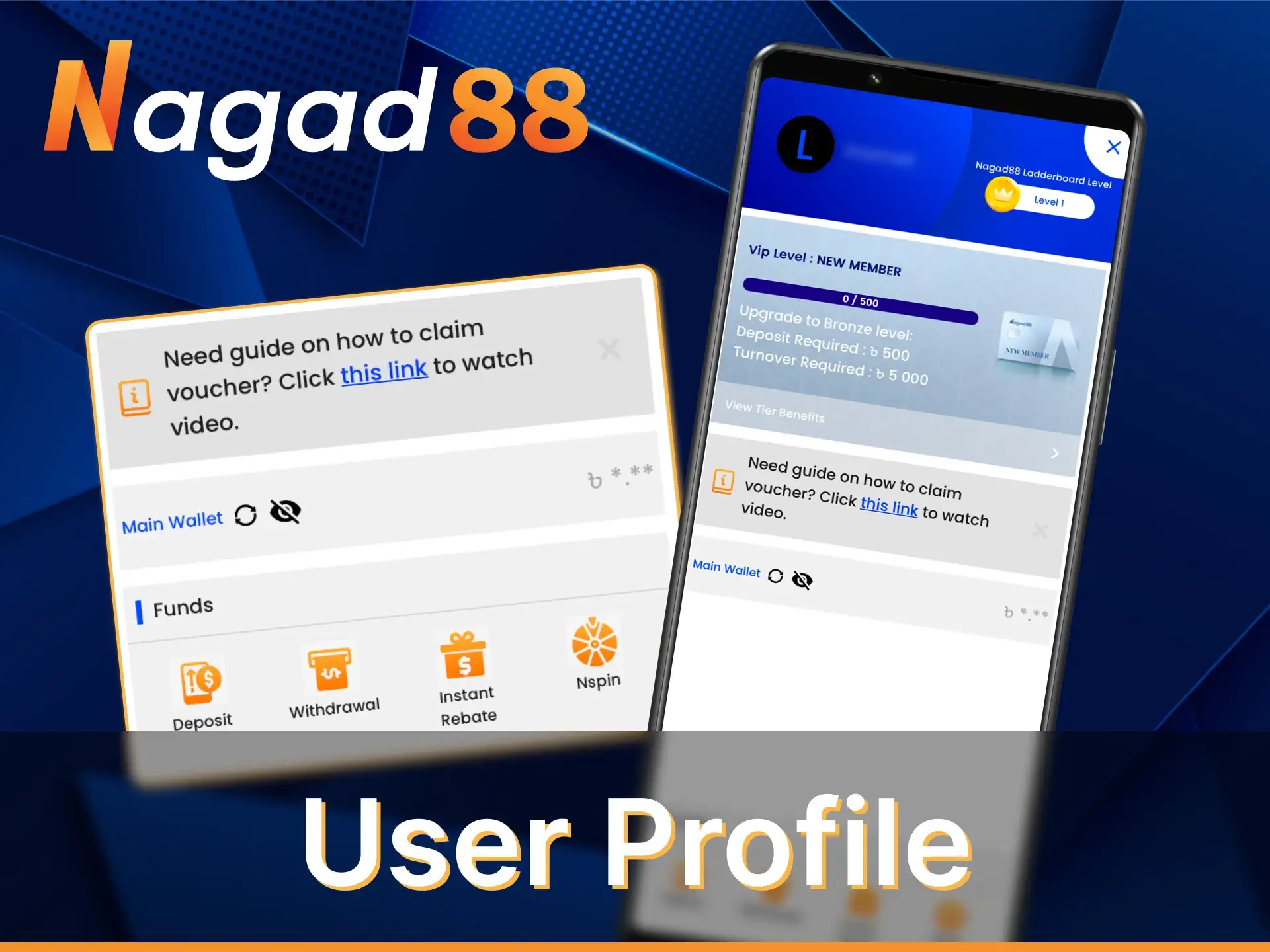
In the Nagad88 app, users can customize their account through the Account Settings section, where customization of personal data, security and notifications is available. Balance Display allows you to quickly and conveniently check your current account balance as well as available funds for transactions. In the transaction history section, you can view details of all previous transactions, including date, amount, and recipient, which helps you keep track of your finances. To manage personal information, the personal details management section allows users to update contact information, passwords, and other important details. These features help ensure that the app is easy and secure to use, giving full control over financial transactions.
Notification Features
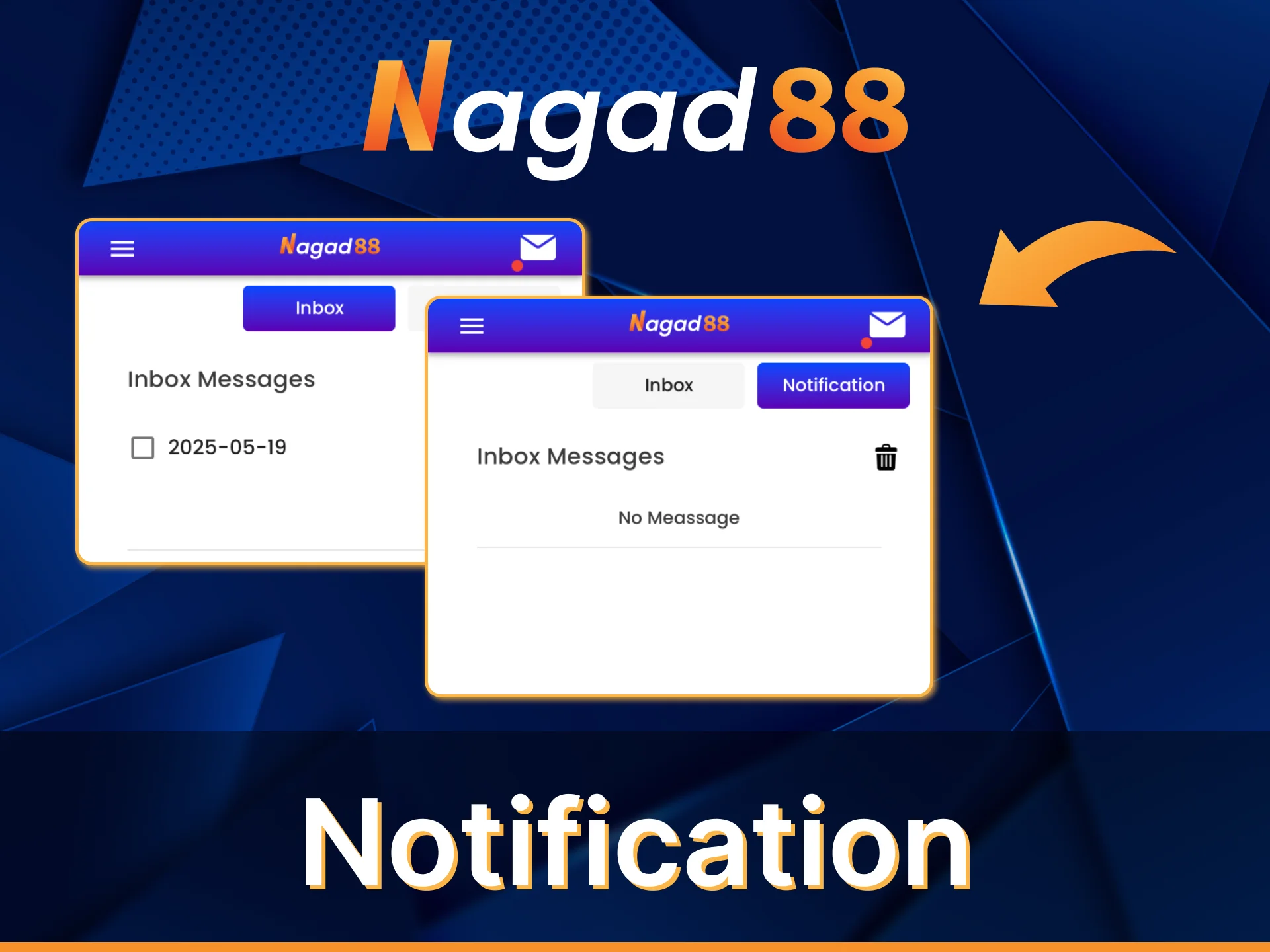
A variety of notification types are available in the Nagad88 app, including transaction and balance change notifications. Customization options allow you to choose which notifications to receive, making them more personalized. Delivery reliability ensures timely and reliable delivery of notifications. Push notification settings available in the app offer the ability to customize whether push notifications are enabled or disabled.
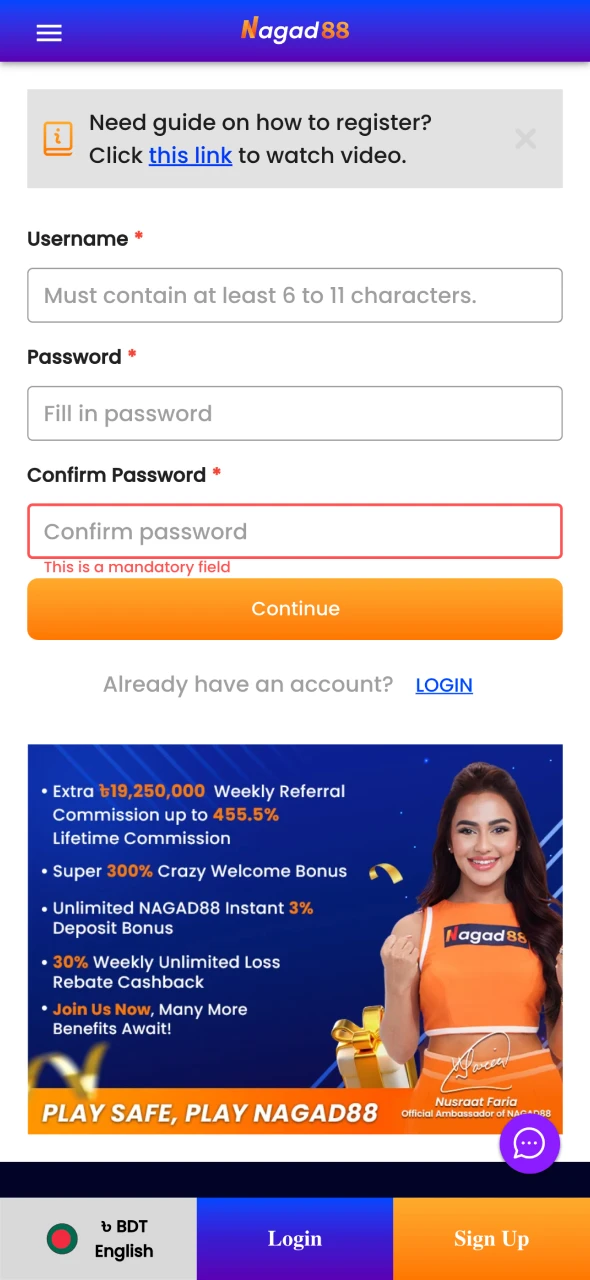
Registration via Nagad88 App
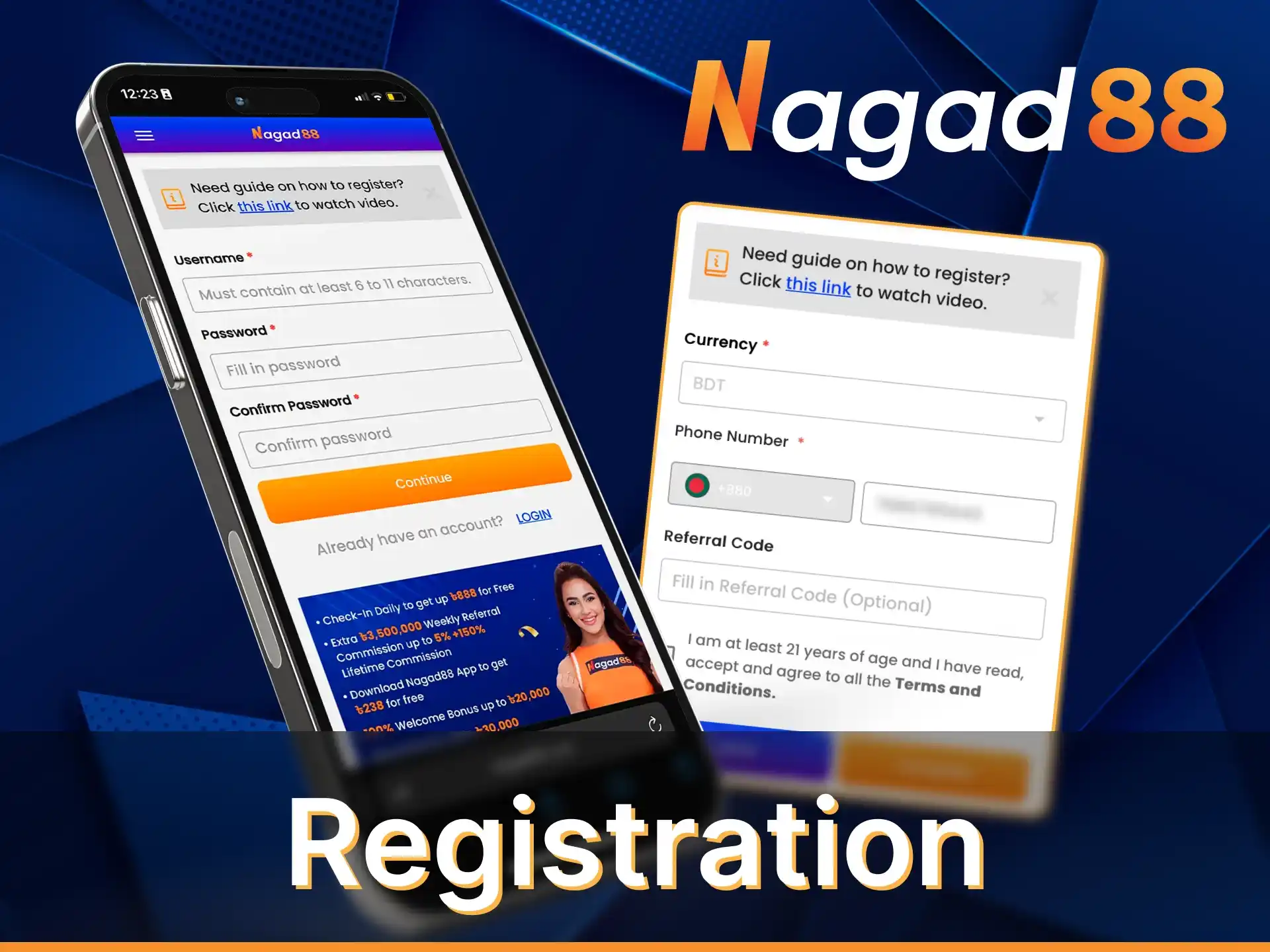
If you don’t have a Nagad88 account yet, you can create one in the mobile app. All users over the age of 21 are allowed to register. If you are under 21, do not try to deceive the administration and do not provide a false date of birth. Your account will be blocked for that.
If you are 21 years old, you need to register:
- Click the button to create an account.
- Fill out two forms with personal information.
- Agree to the terms and conditions of the site.
- Confirm registration.
After the account creation procedure is complete, automatic authorization will occur. You will immediately log in to your account and be able to start playing.
Welcome Bonuses for New Mobile Players
The Nagad88 app for Android and iOS gives you three different welcome bonuses for sports betting and casino games. Nagad88 also offer several regular bonuses for future deposits.
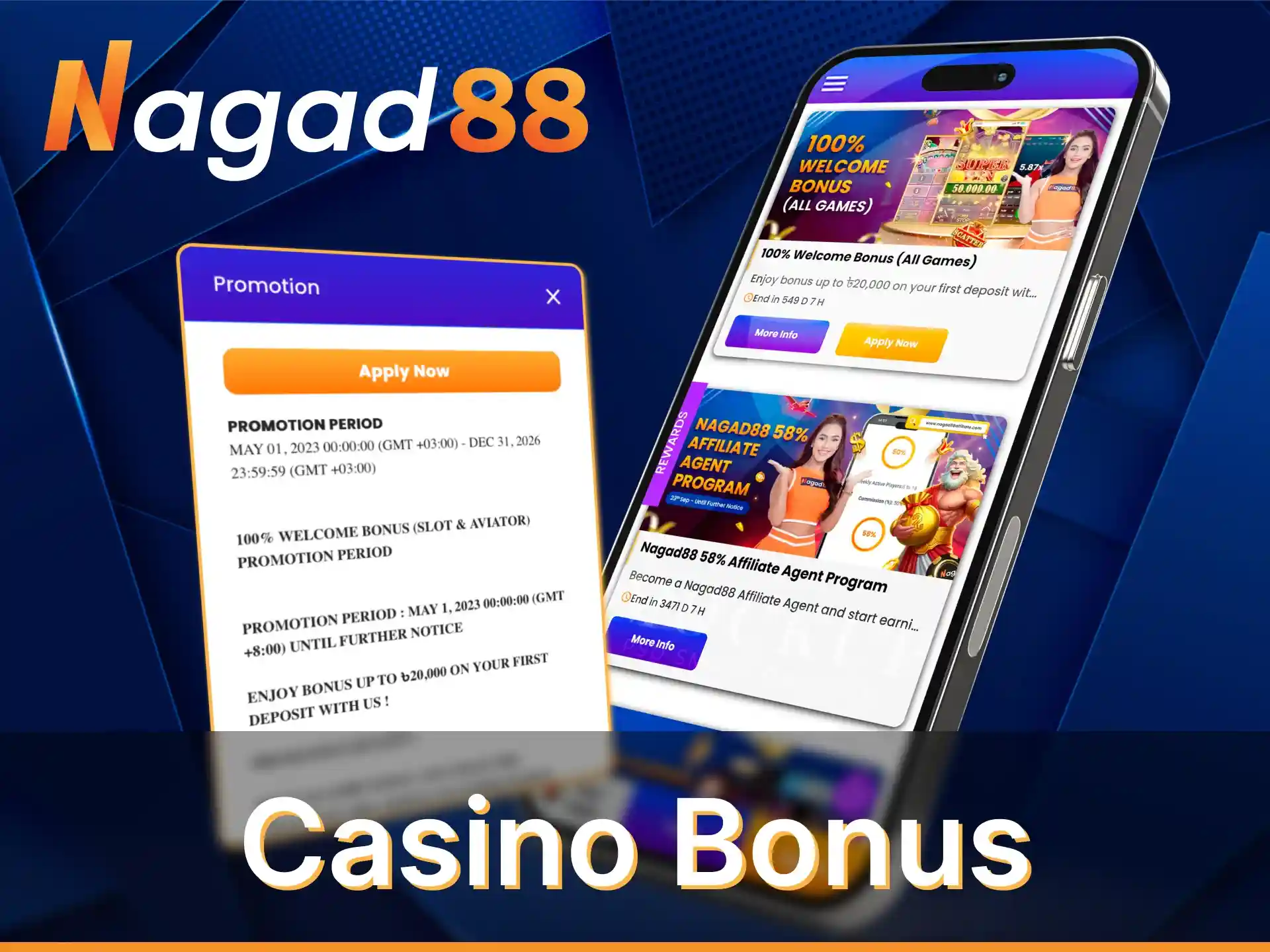
Casino Bonus
The welcome bonus for casino lovers is 100% of your first deposit, but no more than 20,000 BDT. You will receive this money when you meet the following requirements:
- Register an account.
- Confirm email and phone number.
- Make a deposit of 500 BDT or more.
The bonus requires wagering. The wager for it is x18 and applies not only to the bonus, but also to the deposit. This requirement must be met no later than 30 days after the activation of the bonus.
Sports Bonus
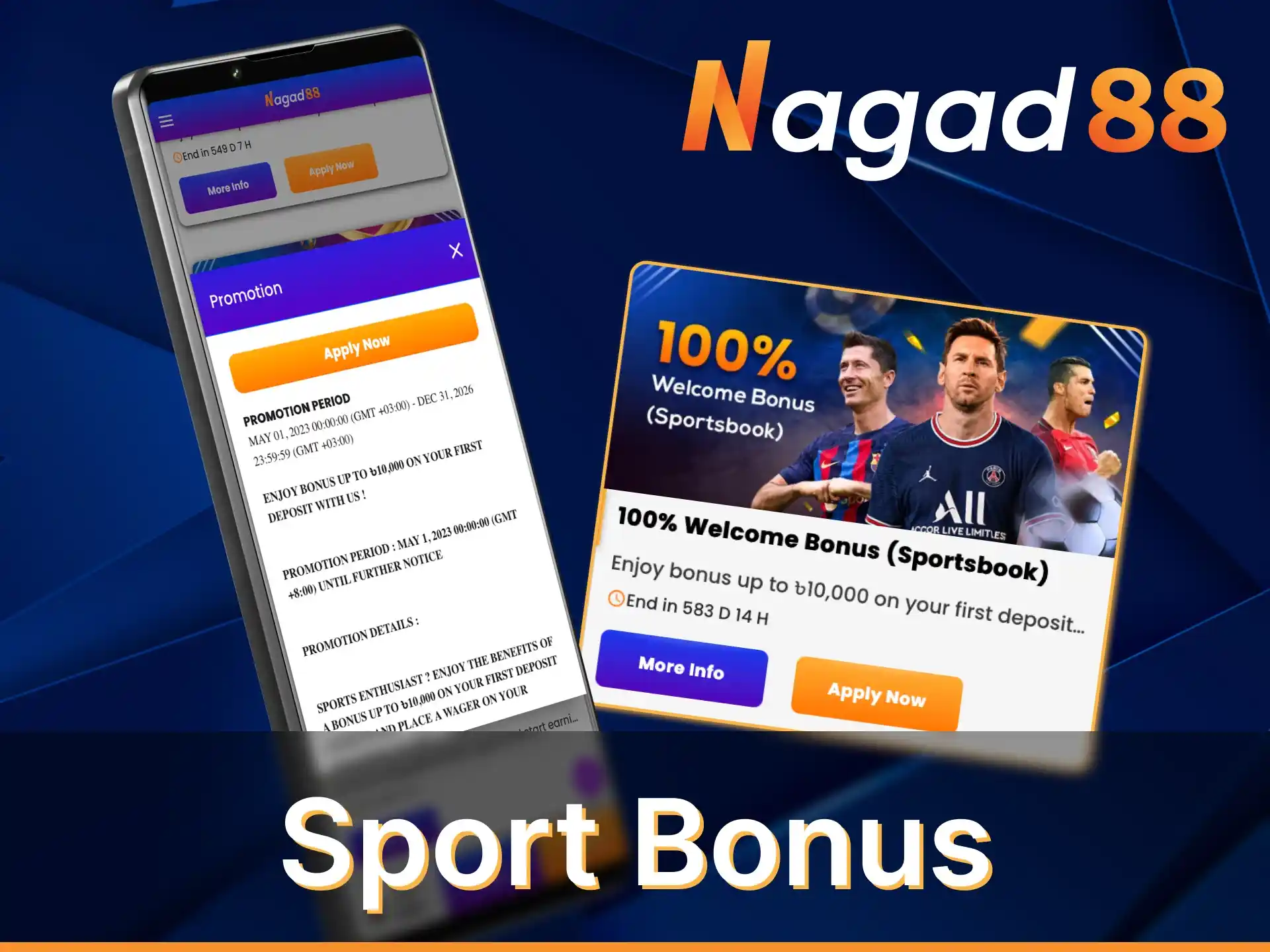
Sports betting enthusiasts will also enjoy a welcome bonus. You can use it to double your first deposit and get up to 10,000 BDT on top of it. To do this, you must:
- Register online or in the app.
- Activate phone number and email.
- Top up your account with 500 BDT or more.
It is necessary to wager the bonus within 30 days after its activation. To do this, you need to make single bets with odds of at least 1.5. When the turnover of such bets exceeds the amount of bonus and deposit 20 times, you will be able to withdraw the money.
Live Casino Bonus
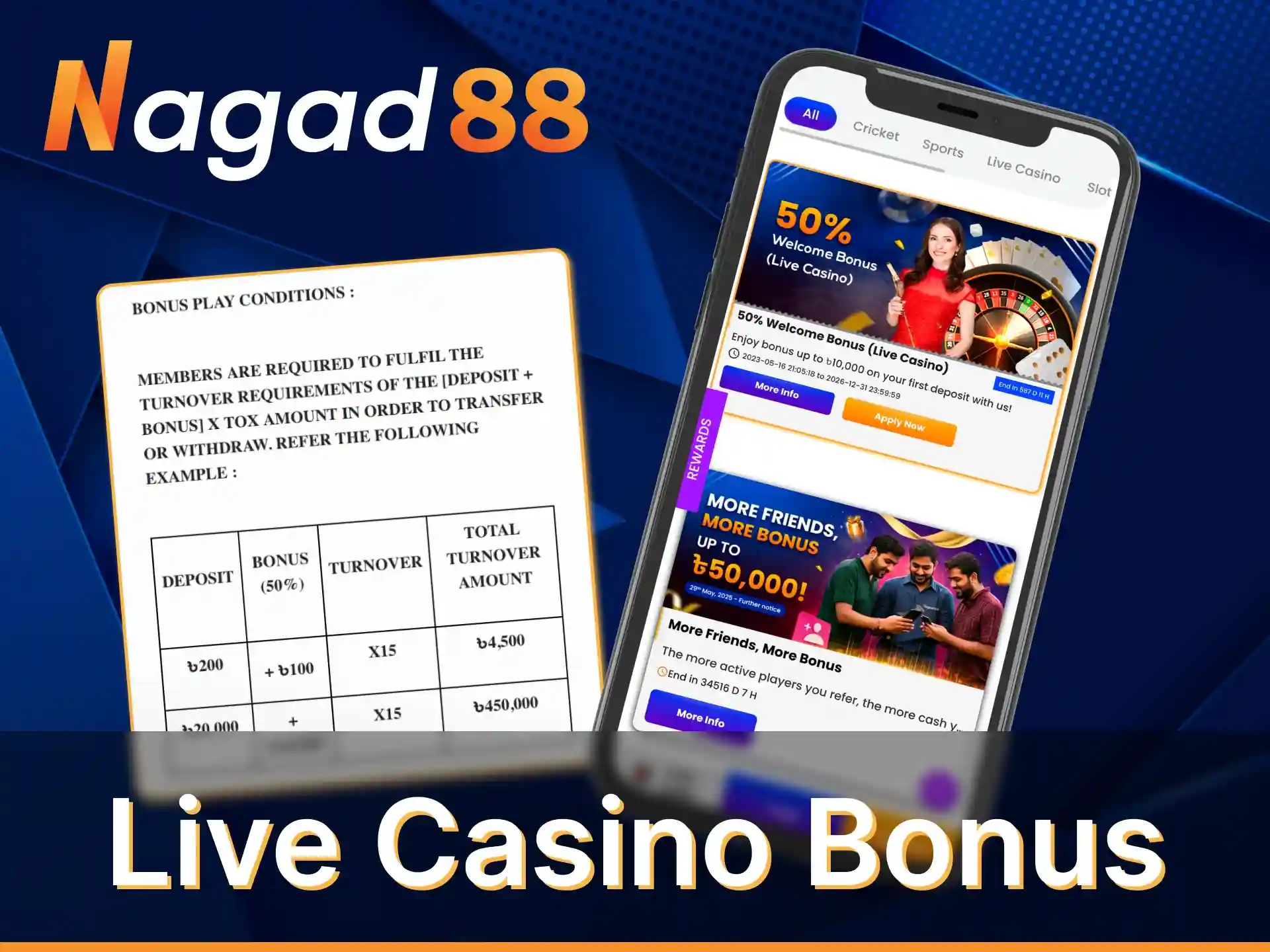
The third version of the welcome bonus can be activated for betting in games with live dealers. It is 50% of the amount of the first deposit. Its maximum amount is 10,000 BDT. To receive the bonus, you must meet the same requirements:
- Register on the official website or in the Nagad88 app.
- Confirm the email address and phone number you provided during registration.
- Go to the cashier’s desk and make a deposit of at least 500 BDT.
The bonus must be wagered within 30 days with a wager of x15. The wager applies to both the bonus and the deposit.
25% Weekly Reload Sport Bonus Up to 10,000 BDT
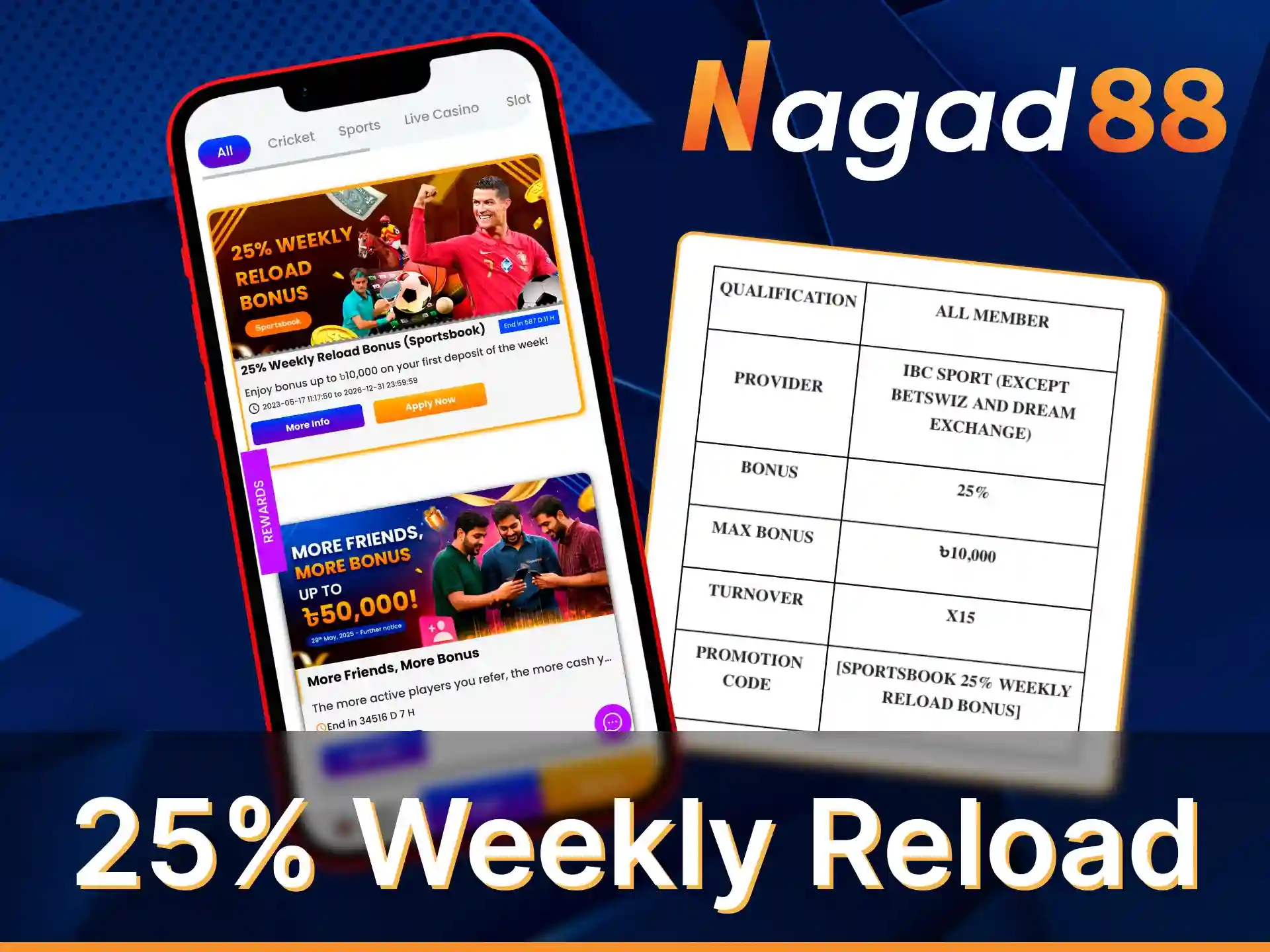
For each first deposit made within a week, we will charge you +25%, but no more than 10,000 BDT. This is a regular bonus, which has no limit on the number of activations. But you can receive it only once a week.
Wagering money is possible within 30 days with a wager of x15. Only single bets with odds of at least 1.5 are considered in betting turnover.
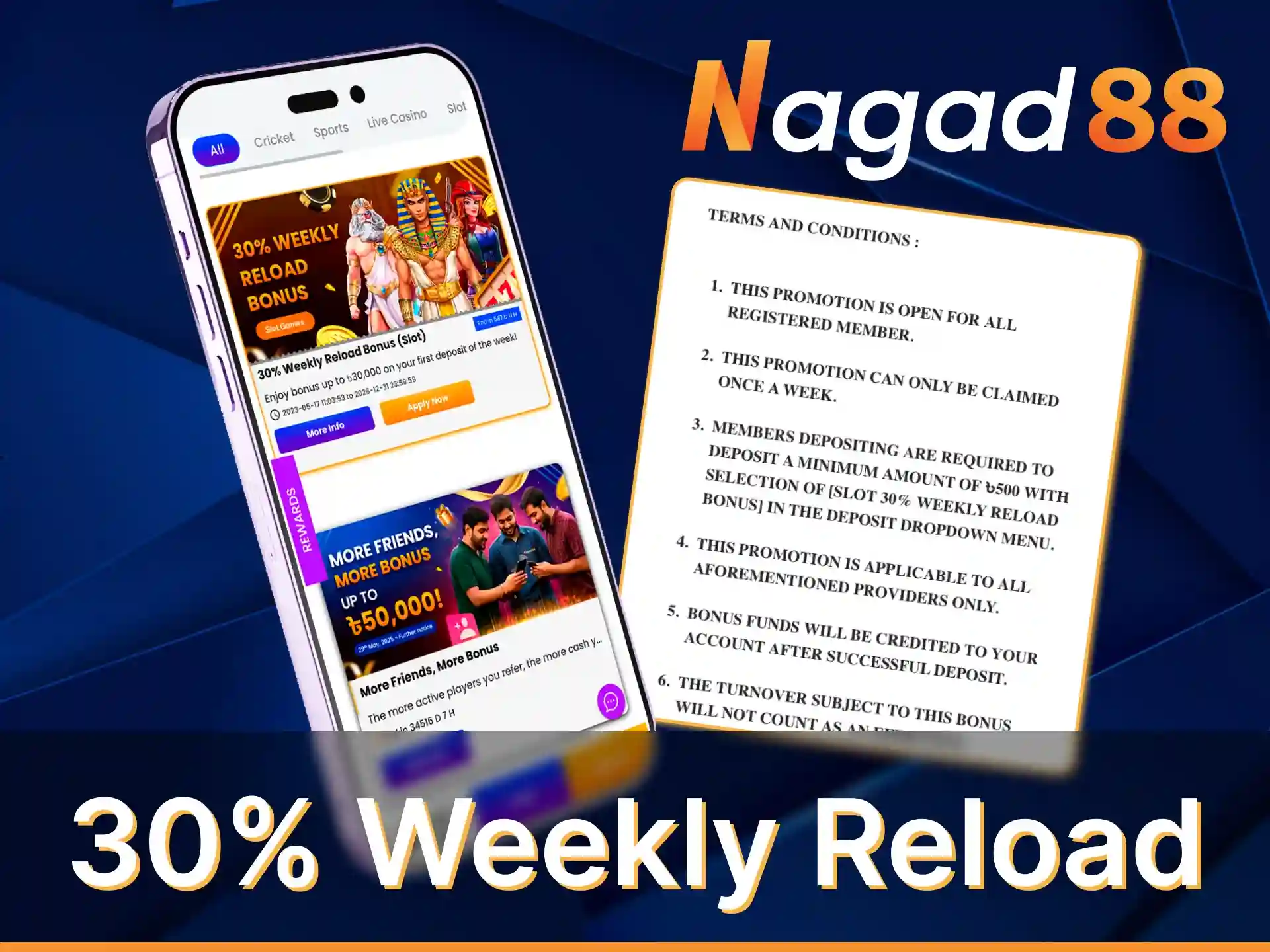
30% Weekly Reload Casino Bonus Up to 30,000 BDT
Alternative weekly bonus for casinos. Here you can get +30% to the amount of your first deposit for the week. The maximum amount of the bonus is 30,000 BDT. The wagering takes place with a wager of x15 for 30 days. Once this requirement is met, you will be able to withdraw the money.
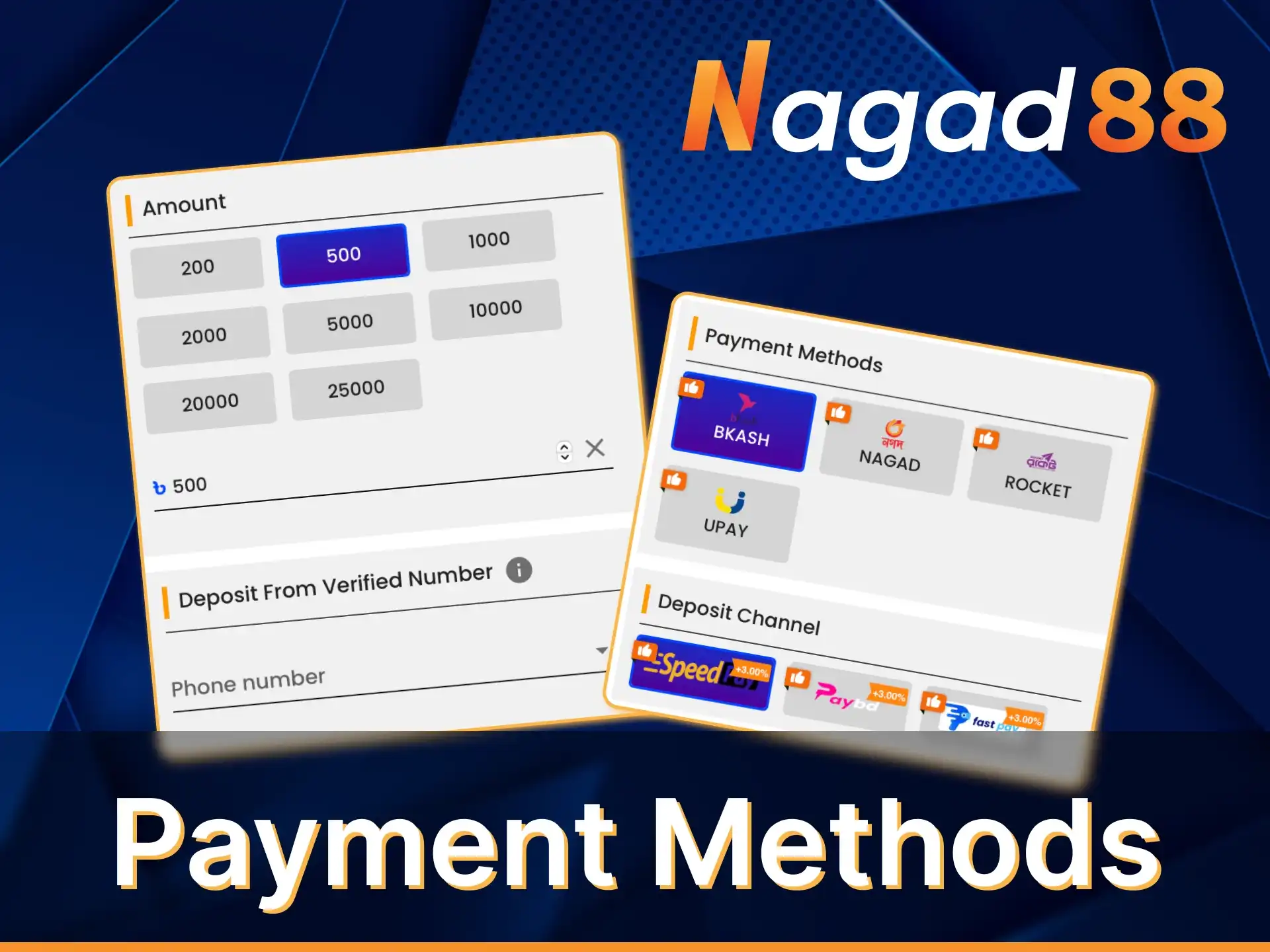
Payment Methods at Nagad88 App
Deposit and withdrawal functions are available directly in the Nagad88 app. There is support for a full-fledged cashier, and the conditions for using it do not differ from the website. You will be able to deposit and withdraw money in several ways:
- Bkash;
- Nagad;
- Rocket;
- Upay;
- FastPay.
The minimum deposit and withdrawal is 500 BDT. Low limits allow you to start betting even with a small budget. Nagad88 does not charge any commissions for payment transactions.
Deposits are credited to your balance immediately. In just a few seconds after confirming the transaction you will receive the money. Withdrawal requires more time – no more than 6 hours on average.